How MYMAiGUARD works
See who’s there.
Stay in control.
Check your cameras, manage access and receive alerts on supported devices with MYMAiGUARD. Smart security for Nigerian homes and businesses.
Start with an inspection. Agree your quote before installation.
How it works · A camera example
Someone’s at your gate.
Your camera notices
A supported camera detects movement in view.
Your phone lets you know
With alerts enabled, you receive a notification.
You see for yourself
Open the app, check the live view and decide what to do.
Detection and alerts depend on the camera, settings, power and connectivity.
Build around what matters
What would you like to protect?
Cameras & CCTV
Check in on your home or business.
ExploreSmart locks
Choose who has access.
ExploreVideo doorbells
See who is at the door.
ExploreSensors & alarms
Know when something moves or opens.
ExploreSwitches & sockets
Control connected appliances.
Explore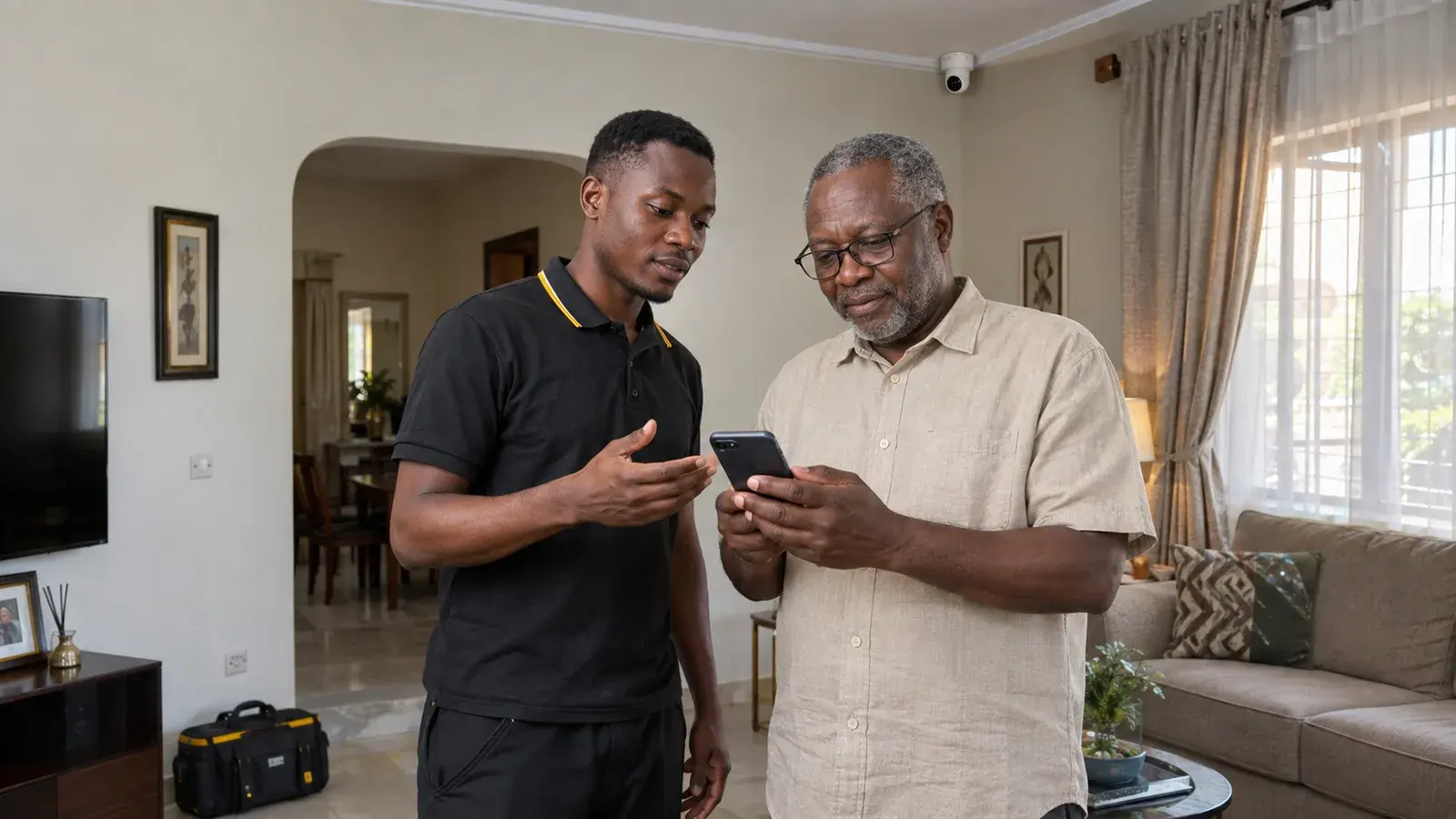
From first question to first use
You don’t have to
figure it out alone.
- 01
Start with your space
Tell us what you want to protect. We inspect your space and agree the setup and price with you.
- 02
We get it working
Our engineers install your devices, connect the app and test everything in the agreed setup.
- 03
Feel confident using it
We walk you through the controls, record warranty details and show you how to reach support.
After installation
Your space. A tap away.
View cameras and manage supported devices in the MYMAiGUARD app. Your web account keeps warranties, invoices and receipts together. Features vary by device.
A real app recording, including camera live view. No sound.